I built Highwire's marketing site from scratch with Angular SSR and a headless CMS, hitting a perfect Lighthouse score on desktop and giving the marketing team full control over their content.
Overview
Highwire is a SaaS platform for contractor risk management, with clients like Google, Intel, and Harvard. The marketing site is our public-facing space to show off the brand, share expertise, and convert visitors into leads.
The CEO came to me directly and said, "We want to rebuild this. You're good at frontend, you're a design person. What can we do?" The goal was to not involve a ton of people or disrupt the product roadmap. I was seen as someone who could get it done on the side, alongside my component system work.
Role
Engineer
Team
Design, Marketing, Stakeholders
Timeline
~2 months
1. The Problem
The old marketing site was built on WordPress. It was outdated, based on multiple themes stacked together, and hard to manage. No developers on the team were familiar with WordPress, so making changes was slow and painful. The site wasn't customizable enough to showcase new initiatives, and SEO performance was poor.
We needed something modern, fully customizable, easy for marketing to maintain on their own, and optimized for search.
2. Planning the Migration
I worked with our designer to break down the old site and figure out what to keep, what to kill, and how to restructure things. We mapped out the information architecture and planned a one-to-one port of every page worth keeping, while cutting pages that weren't pulling their weight.
To move fast, we leveraged Tailwind Plus for pre-built components as a design starting point. This was before AI coding tools were really useful, so having that foundation saved a lot of time.
Tech Stack Decisions
I chose Angular with SSR for the build. It's an unusual choice for a marketing site, but the main app was already Angular and the plan was to get more engineers involved in the future. Staying in the same ecosystem made that possible.
Since we were using a headless CMS, we had full control over the frontend. We could build whatever we wanted without dancing around the WordPress plugin ecosystem. The trade-off was that we had to be more intentional about SEO, but Angular had recently shipped solid server-side rendering support that made this viable.
For the CMS, I evaluated a few options (Contentful, etc.) and went with Strapi. It was open source, affordable, and had everything we needed without requiring a sales demo or enterprise pricing.
3. Building the Site
I rebuilt the site from scratch over about two months. Everything was hooked up to Strapi so the marketing team could manage content on their own.
The core of the build was 15+ modular section components (hero, testimonials, page title, CTA blocks, feature grids, and more) that the marketing team could drag and drop to assemble new pages however they wanted. This was the real unlock: instead of asking engineering for every content change, marketing could build and publish pages independently.
Beyond the sections, I set up:
- Dynamic routing powered by the CMS with custom slugs and 404 handling
- HubSpot form embeds for lead capture
- Google Tag Manager for tracking and analytics
- Page-level SEO metadata support
- Clean, accessible HTML with mobile-first responsive styles
- Everything following brand guidelines while staying flexible for future content
4. The Lighthouse Grind
One of my main goals was a perfect Lighthouse score on desktop. Getting to 100 was a grind, especially in the final stretch. There wasn't one big fix. It was many small, careful optimizations adding up over time:
- Image optimization with WebP exports in multiple sizes, served responsively
- Minimizing CSS bundle size (tree-shaking unused Font Awesome icons, for example)
- Lazy-loading images and non-critical resources
- Adding structured data (JSON-LD), meta tags, and a sitemap for SEO
- Optimizing Angular change detection with signals
- Managing and minimizing third-party scripts
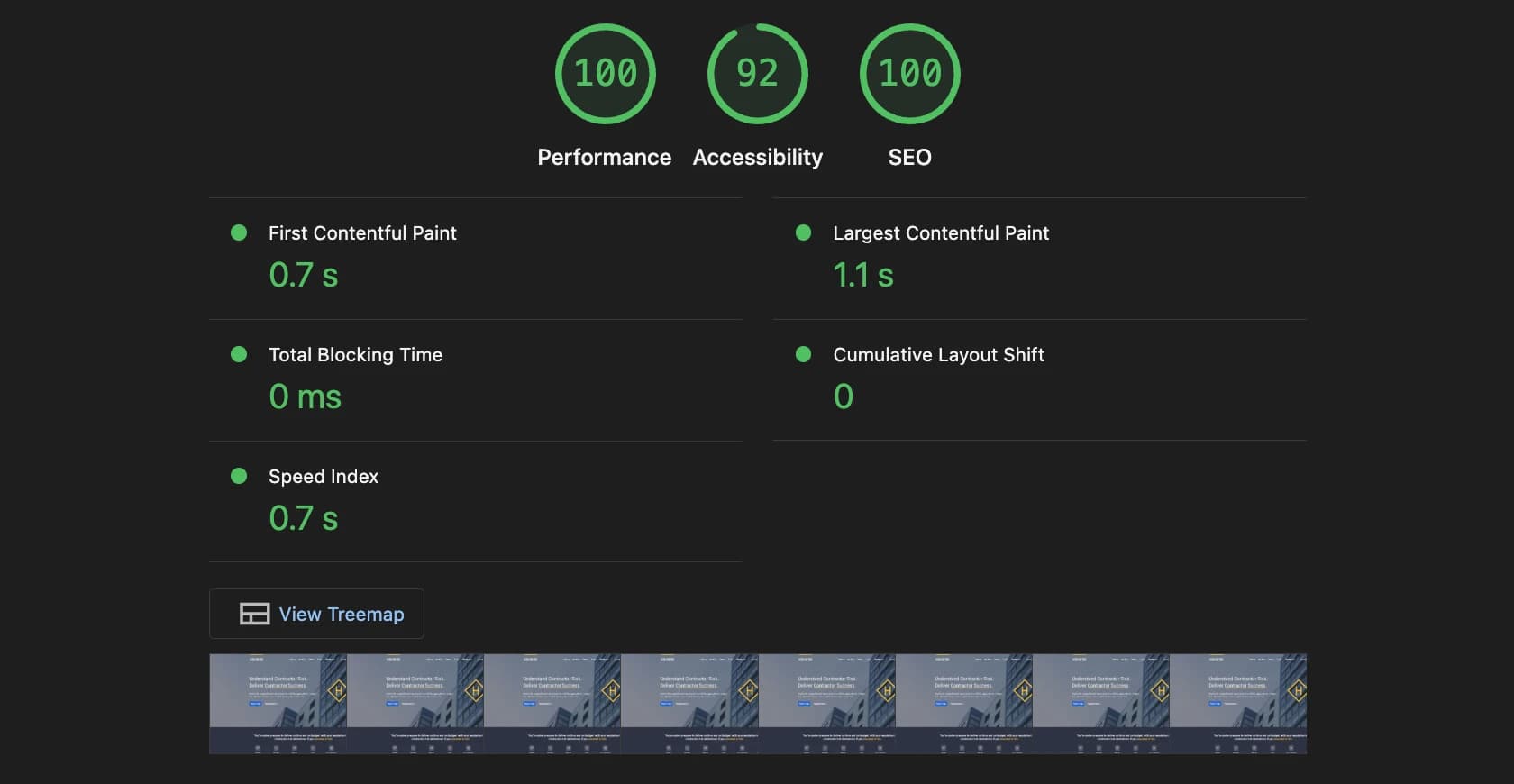
100 on desktop. The icon and font strategy alone took a surprising amount of effort to get right.
Mobile stayed around 85-90. The gap was mostly unavoidable third-party scripts. Marketing loves their trackers, and it was a constant conversation about cleaning up Google Tag Manager and explaining that every script they added was costing us performance.
5. Results
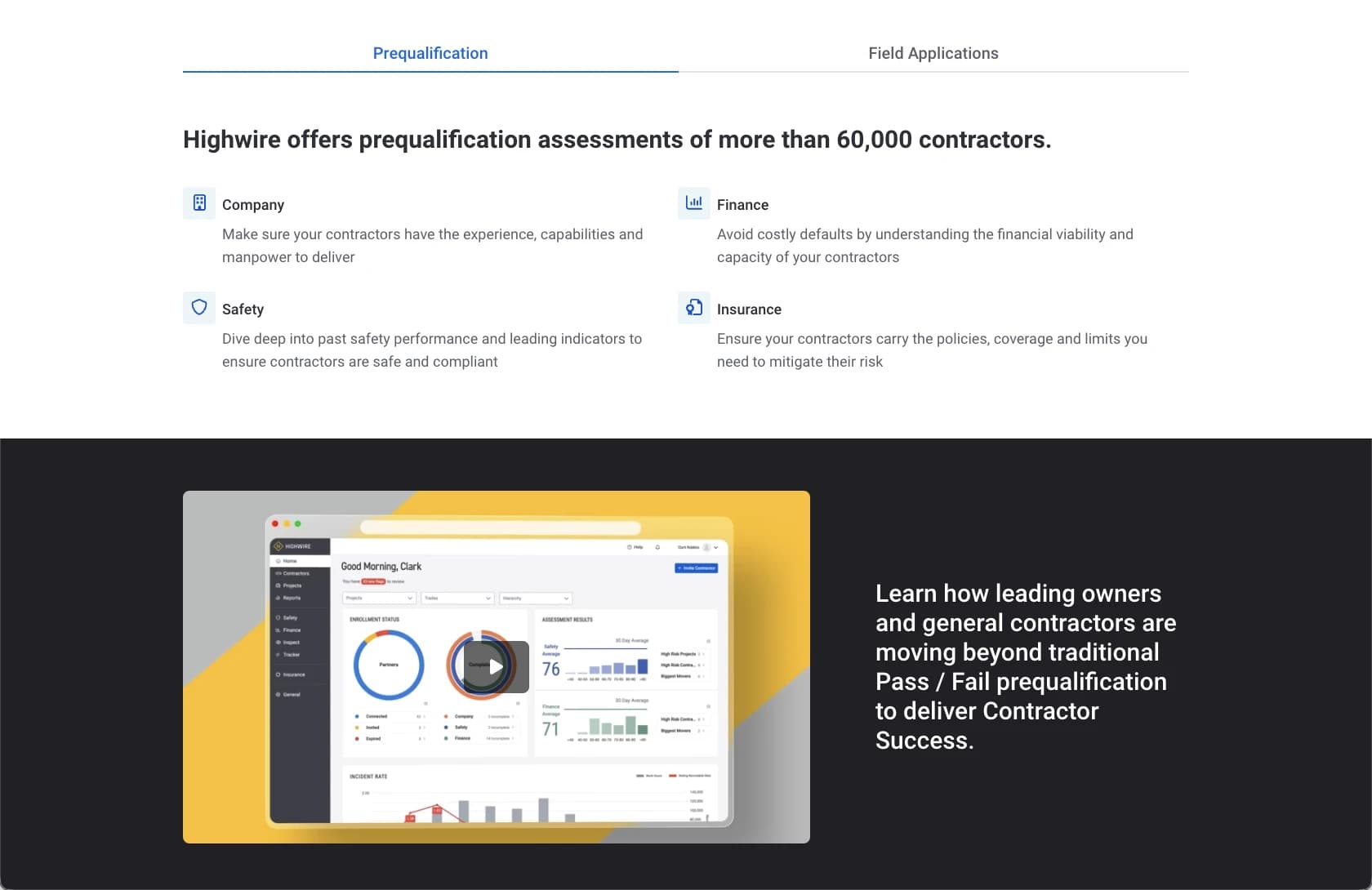
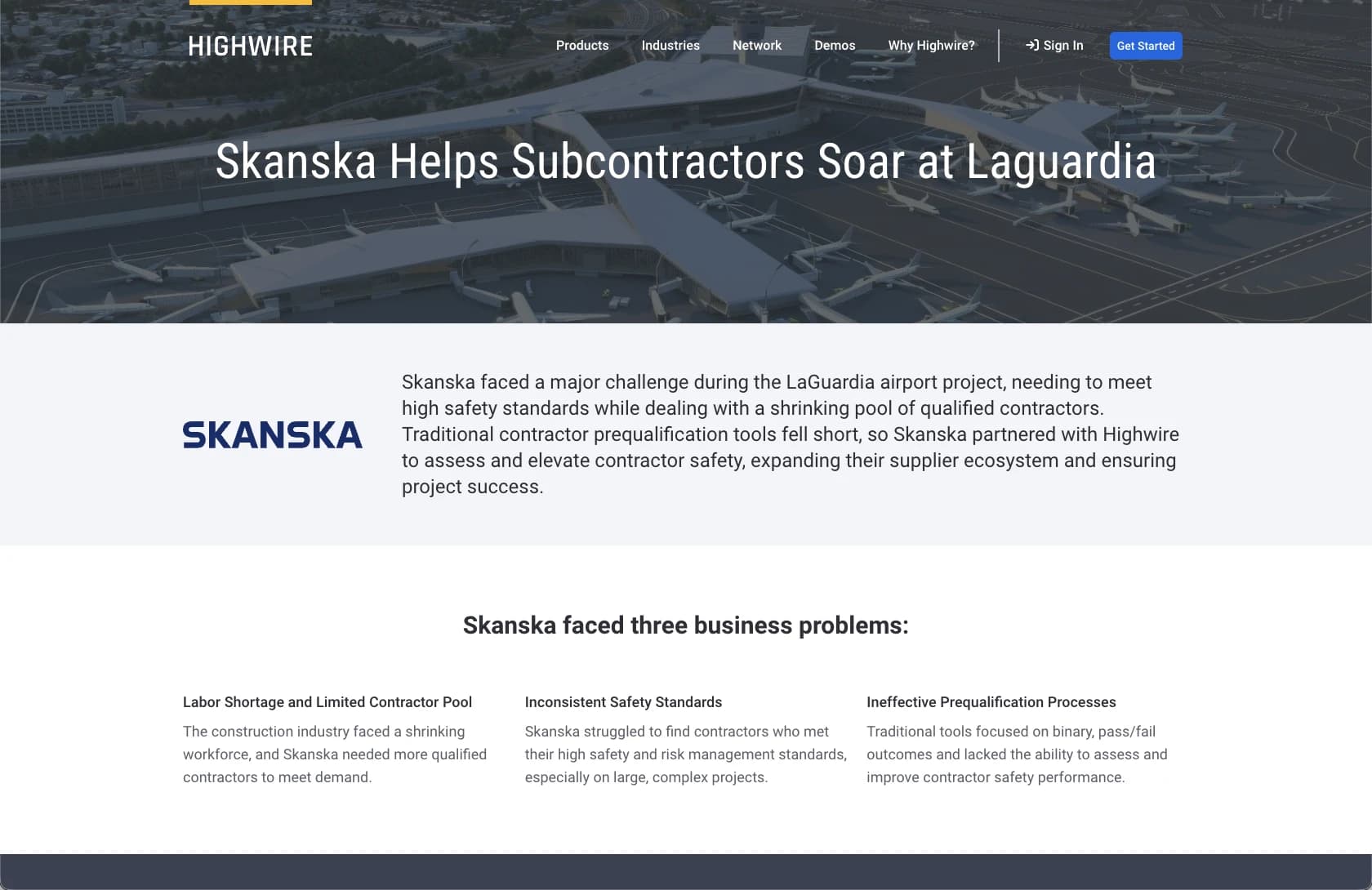
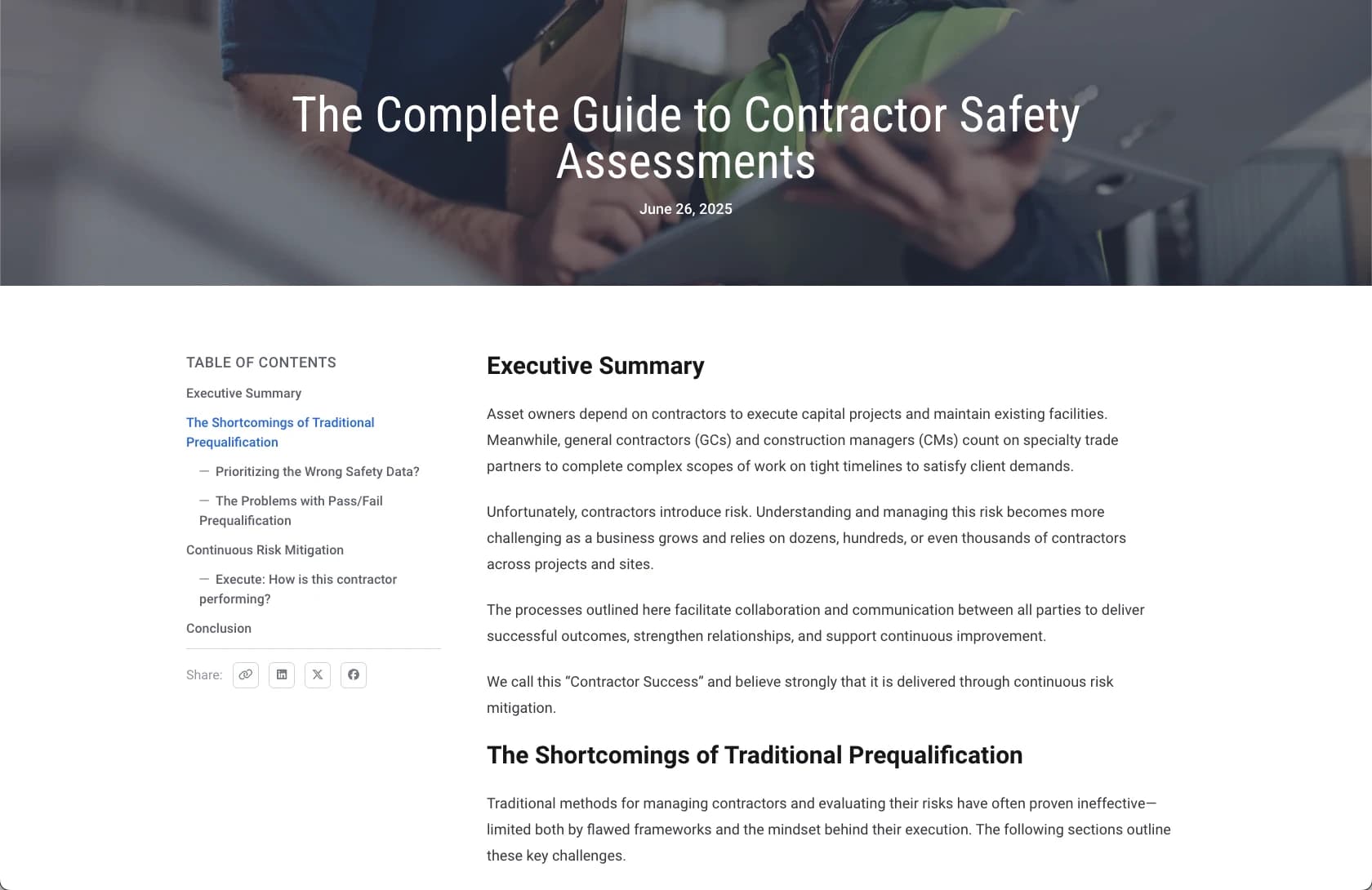
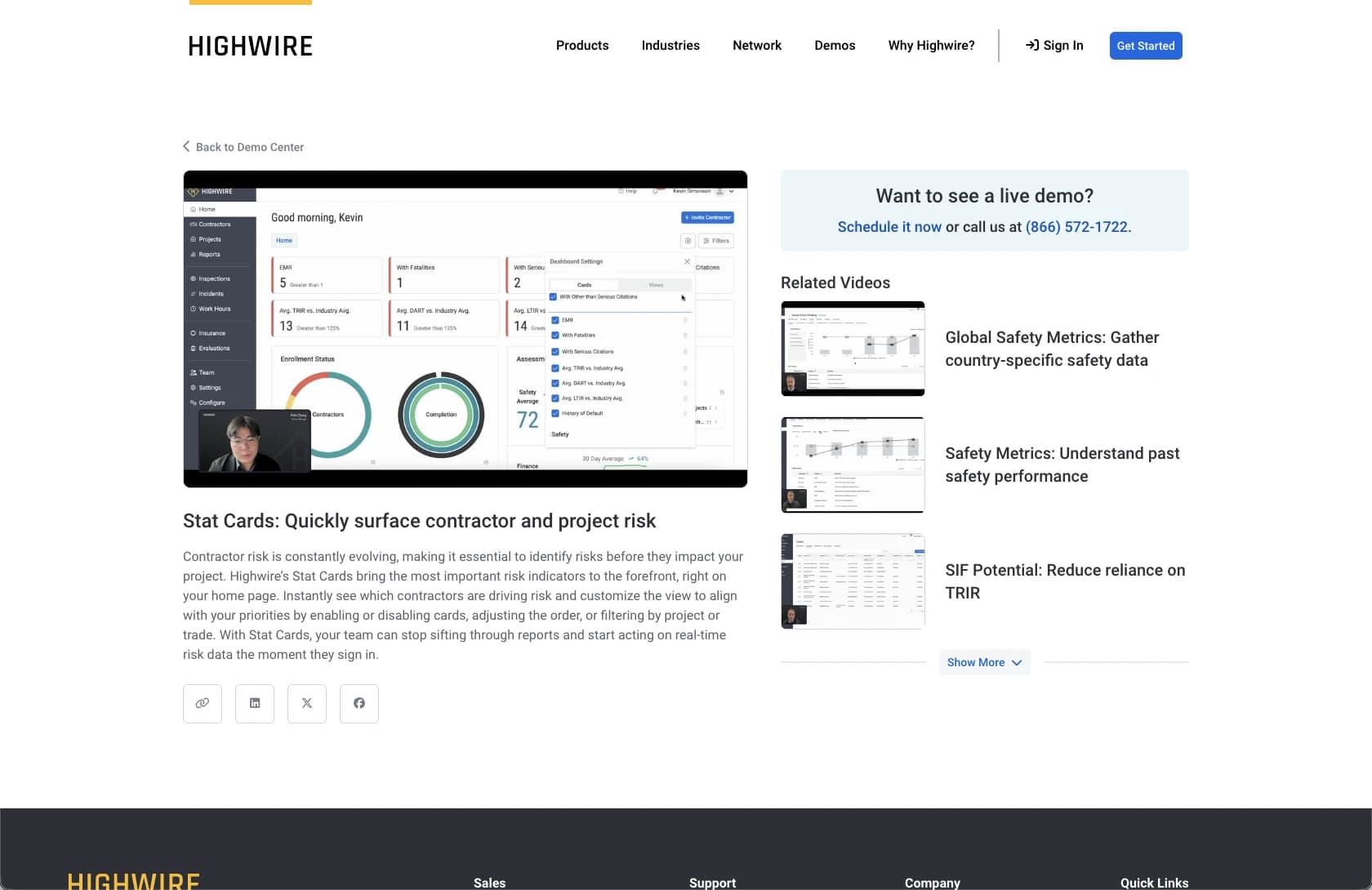
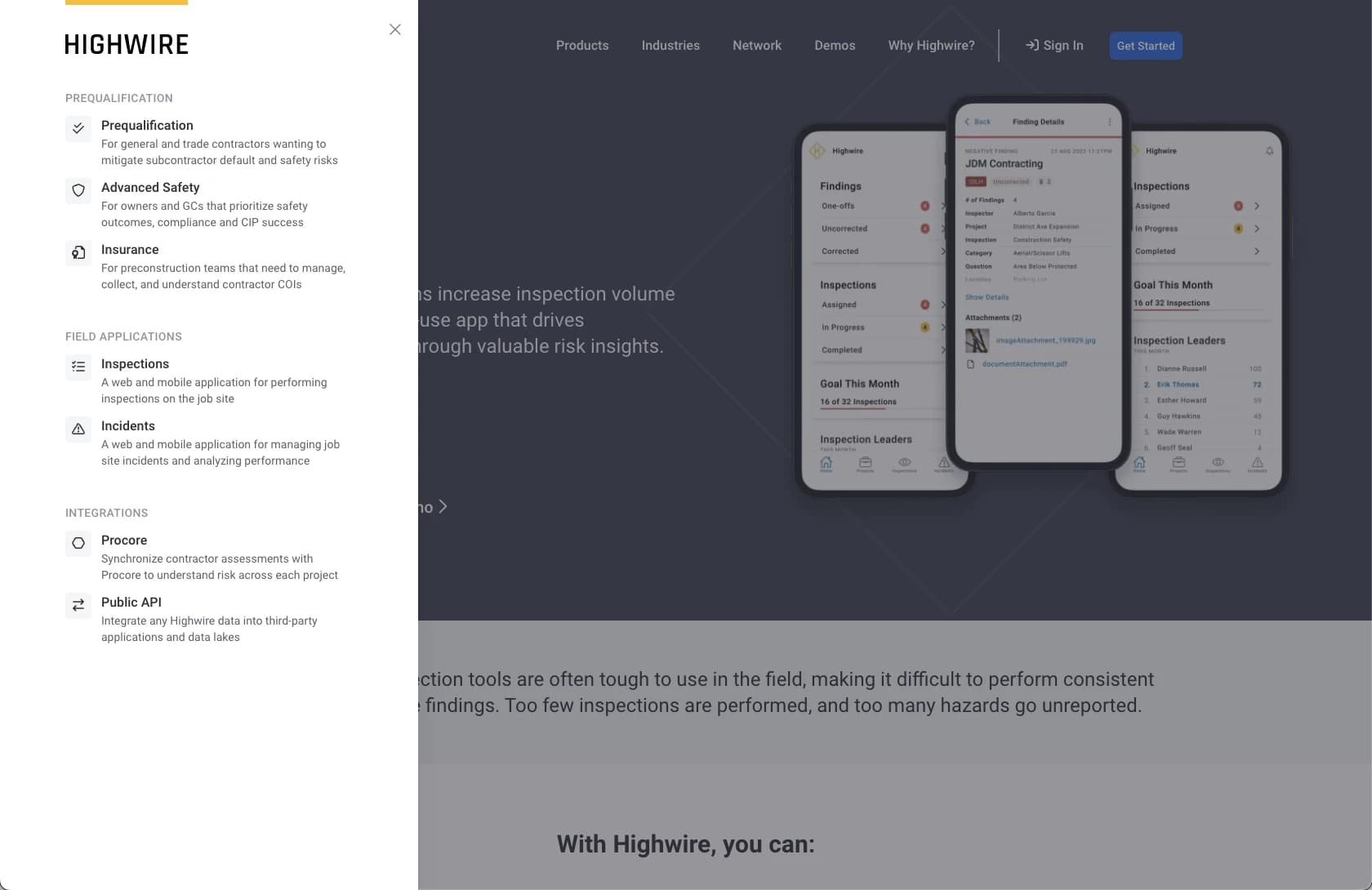
Since launch, the marketing team has built out around 40 pages on their own, including dedicated sections for webinars, blog posts, and demo videos. This kind of content would have been really hard to launch and customize to the level we wanted with WordPress. We would have been locked into plugins and themes, but with the headless setup we can build exactly what we need. Maintenance is minimal unless they want a new section type built.
The site is live at hywire.com.
6. What I Learned
- Transparency is your best weapon. I got called out by the CEO for not giving frequent enough updates. I had a tendency to buckle down and just go fast, but people feel blindsided if you don't involve them early. The more people you bring along the journey, the more they feel heard, and the better the outcome.
- Incremental optimization adds up. There wasn't one big performance fix. It was dozens of small wins that got us to a perfect score.
- CMS design is long-term infrastructure. How you structure the content model determines whether the marketing team can actually use it independently. Getting that right early paid off.
- Full control is worth the effort. Building on a headless CMS with a custom frontend meant more upfront work, but the flexibility has been worth it, especially now with AI coding tools making iteration even faster.